

Tenant Admin
Reporting
Visits
-
To download a report of Visitors for a date range, navigate to the Visits tab
-
Click the Download icon

-
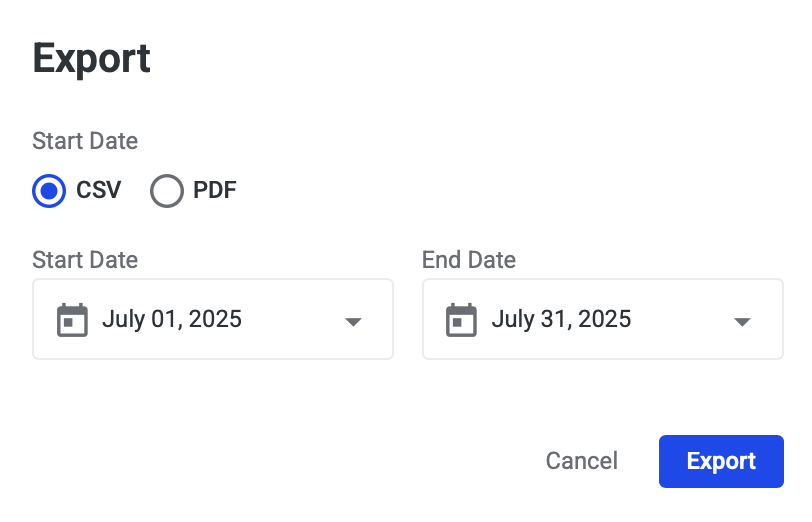
Select the date range you want the report to include, and click Export button
-
Reporting includes:
-
Visitor
-
Expected (Date/Time)
-
Host
-
Floor
-
Status
-
Visitors
-
To download a report of all Visitors and their contact information, navigate to the Visitors tab
-
To download the report, click the Download icon
-
Reporting includes:
-
Visitor (First Name, Last Name)
-
Email
-
Phone
-